This takes you from a new account to your first campaign. You can change everything later.
What you need:
- your website address
- a card for the 7-day free trial
- the inbox and LinkedIn account you want to send from
Part 1: Set up your account
-
Choose your plan. Pick Growth or Scale and start the 7-day free trial. Your card is asked at checkout.
-
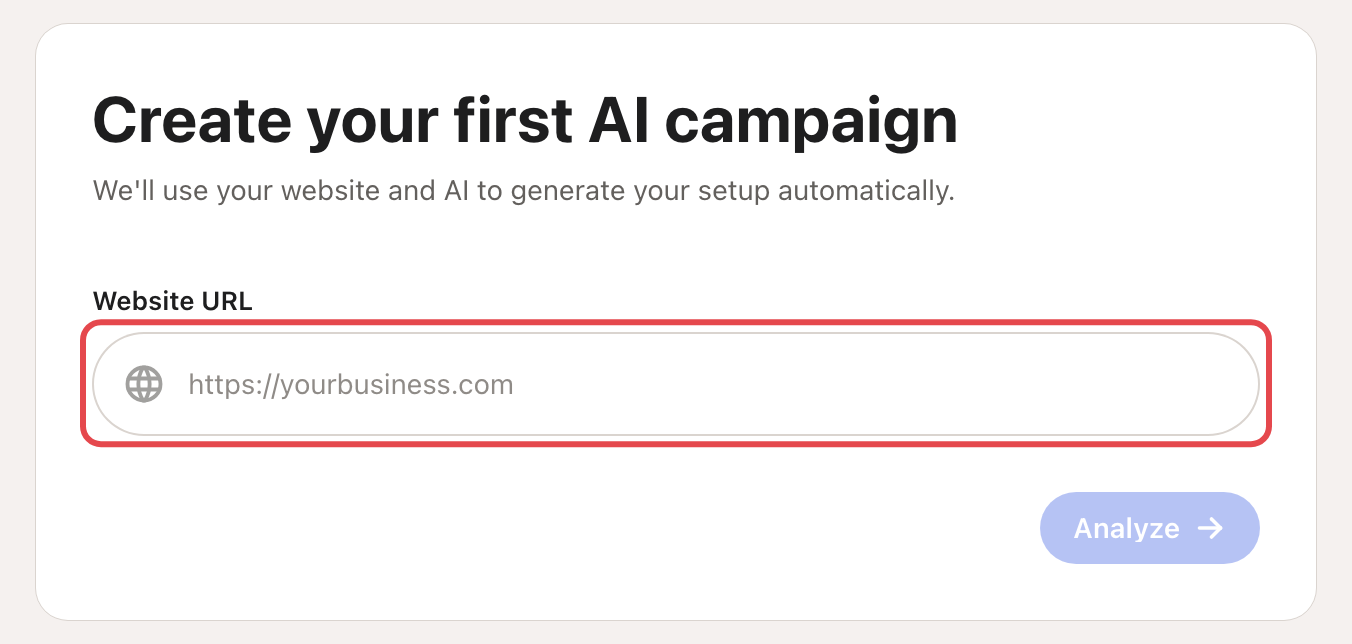
Enter your website and click Analyze. Looply reads it and drafts your business page.
-
Check your brand. Fix anything Looply got wrong: what you sell, who you sell to, your tone.
-
Set your goals and precision. Precision is how strictly Looply matches people to your ideal customer: Discovery, Balanced (recommended) or High Precision.
-
Describe your ideal customer: job titles, places, industries, company sizes.
-
Pick what to detect: keywords, competitor pages, influencer profiles, and events like job changes and new funding.
-
Choose your channels: email, LinkedIn or both.
If you let Looply create a draft campaign here, it starts in Review mode: you approve each message in Copilot.
Part 2: Finish the checklist on Home
After set-up, Home shows Get your first replies. Do the items in order. The card goes away once they are all done.
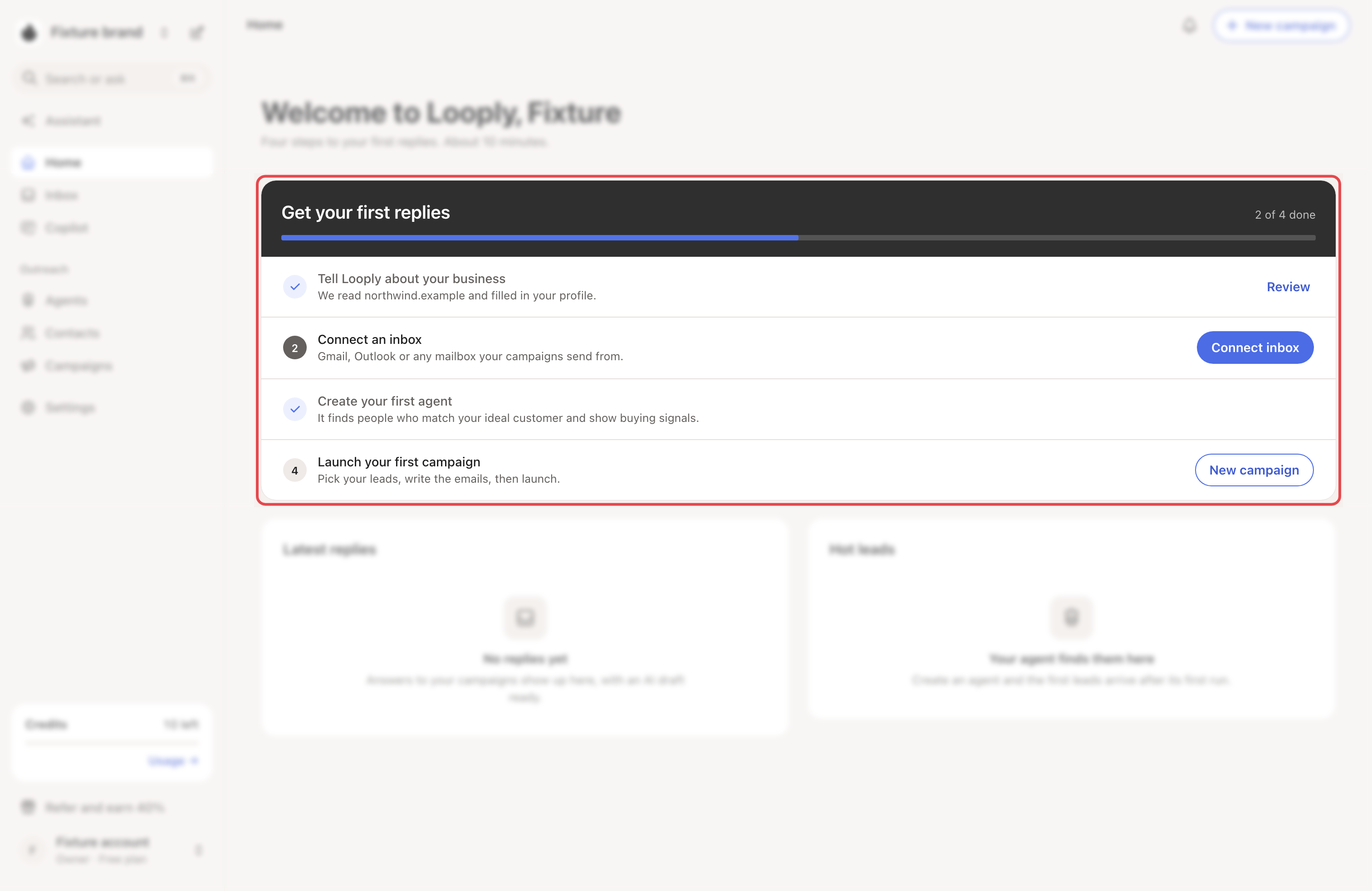
- Tell Looply about your business. Check your business page.
- Connect an inbox. See Connect Gmail or Google Workspace or Connect Microsoft 365 or Outlook.
- Connect LinkedIn. See Connect your LinkedIn account.
- Create your first agent. See Set up your first agent.
- Launch your first campaign. See Create a campaign.
Before you launch: a new LinkedIn account starts slowly, with 5 invites a day in week 1. That is normal. See Warm-up and daily limits.
What happens next
- Your agent runs at its set hour on weekdays. New people appear in Contacts.
- In Review mode, campaign messages wait in Copilot until you approve them.
- Replies arrive in the Inbox.
If something goes wrong
- No people after the first run: see My agent finds too few people.
- LinkedIn won't connect: see LinkedIn statuses and warnings.
- Nothing is sending: see My campaign isn't sending.