A campaign writes to a group of people, in steps, from your own inbox and LinkedIn account.
What you need:
- at least one connected inbox or LinkedIn account
- people to write to: an agent, a list or a CSV file
Step 1: Start a new campaign
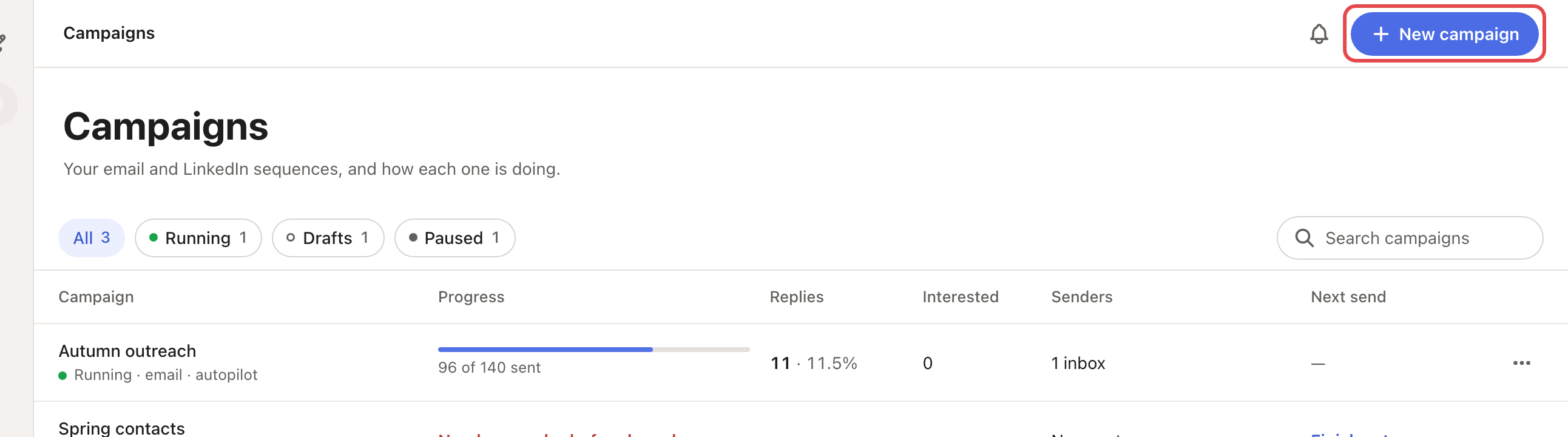
Click New campaign, at the top of any page or on the Campaigns page.
Step 2: Pick the people (Audience)
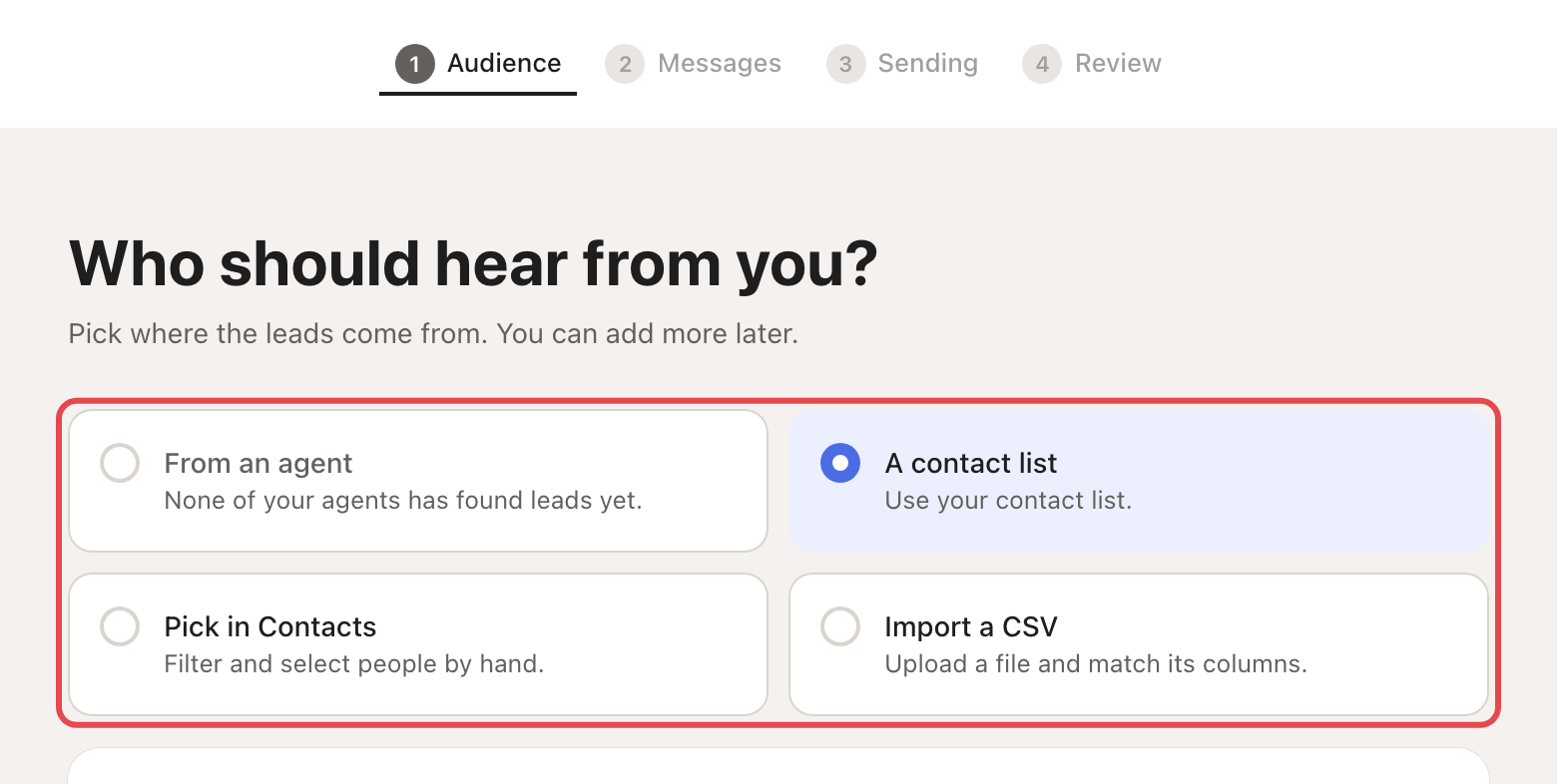
Choose who to write to: From an agent, A contact list, Pick in Contacts, or Import a CSV.
→ Learn more: Set up your first agent
Step 3: Write the messages
Choose Email, LinkedIn or Email + LinkedIn. Looply starts you with a ready sequence:
- Email: 3 emails. The 2nd goes 3 days after the 1st, the 3rd 4 days later.
- LinkedIn: a connection request, a message when they accept, and a follow-up 4 days later.
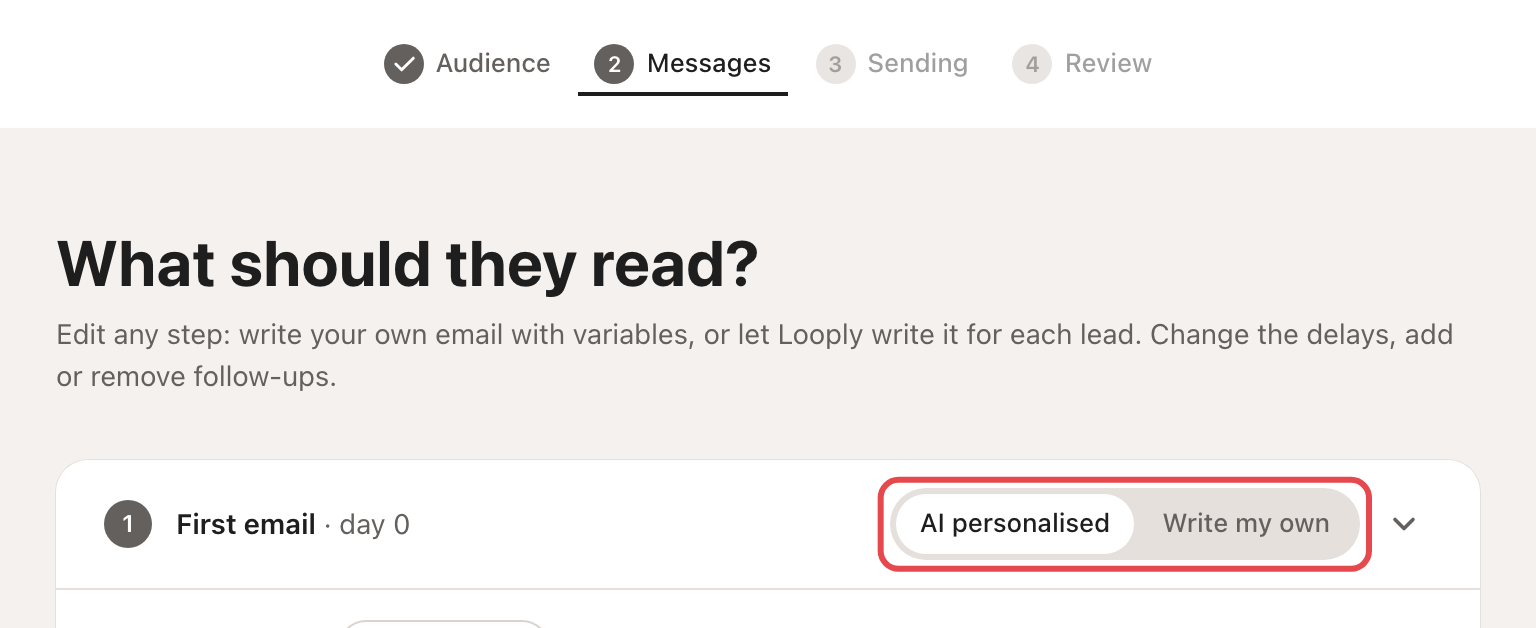
For each message, pick Write my own or AI personalised. AI personalised writes a different message for each person, from their signal. You can have up to 5 steps, 1 to 30 days apart.
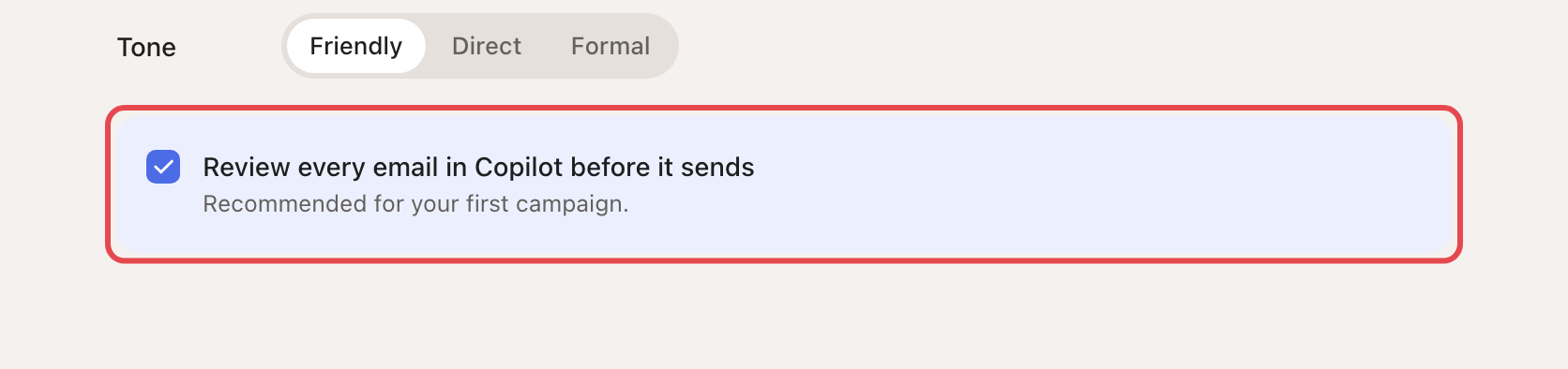
At the bottom of this step, pick a Tone (Friendly, Direct or Formal) and keep Review every email in Copilot before it sends ticked for your first campaign. For LinkedIn it says "message".
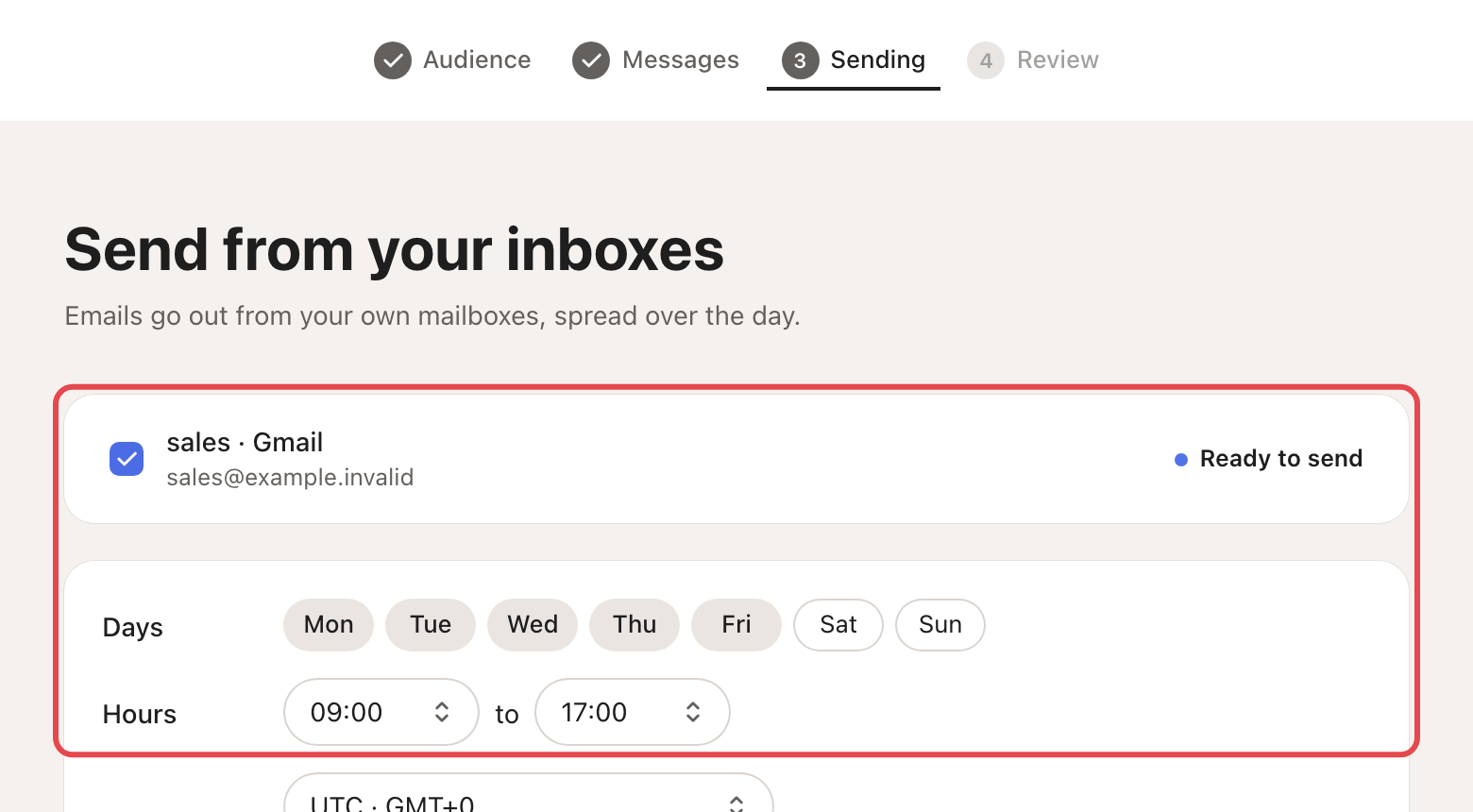
Step 4: Choose senders and hours
Pick the Email inboxes and LinkedIn accounts to send from, then the Days and Hours.
→ Learn more: Warm-up and daily limits
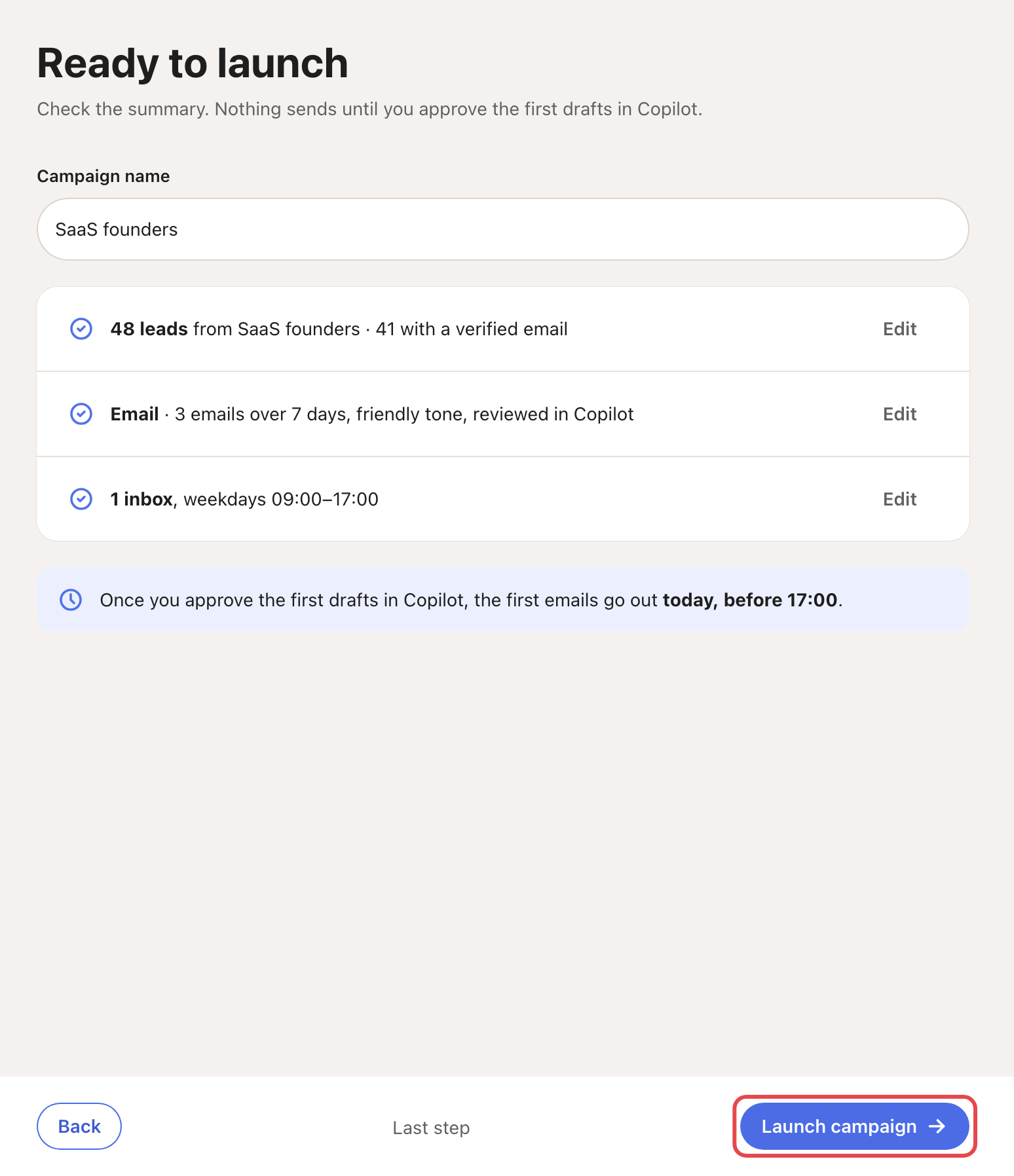
Step 5: Review and launch
Looply shows a summary: the people, the messages and the inboxes. Check it, then click Launch campaign.
→ Learn more: Review mode, Autopilot and Copilot
If the button says Create campaign instead, Looply saves the campaign as a draft. That always happens with Pick in Contacts or Import a CSV, and whenever people or a sender are missing. Open the campaign to finish it and launch it.
Good to know
- Connection requests go without a note by default. A note can be up to 200 characters (300 with LinkedIn Premium), and it is never written by AI.
- When someone replies, Looply stops the sequence for that person.
- A campaign sends only inside its days and hours, and within each account's daily limits.
What happens next
- In Review mode, each message waits in Copilot for your approval.
- The campaign page shows Sequence, Leads, Activity and Settings. Activity lists every send, person by person.
Nothing sending? See My campaign isn't sending.