Looply sends your emails from your own inboxes and brings the replies into your Inbox. Find your inbox below, then follow its guide.
| Your inbox | The way to connect | Who does what | Guide |
|---|---|---|---|
| Google Workspace (company Gmail) | Google sign-in | Your admin approves Looply once for the whole company. Then each inbox signs in. | Connect Google Workspace inboxes |
| Personal Gmail, or Workspace with no admin | Gmail app password | You create a 16-letter code in your Google account and paste it. | Connect Gmail with an app password |
| Microsoft 365 or Outlook | Microsoft sign-in | Turn on IMAP and Authenticated SMTP once per inbox, then sign in. | Connect Microsoft 365 or Outlook |
| Anything else (Zoho, Fastmail, IONOS, OVH, your own server…) | IMAP / SMTP | You enter your provider's server settings and password. | Connect any inbox with IMAP and SMTP |
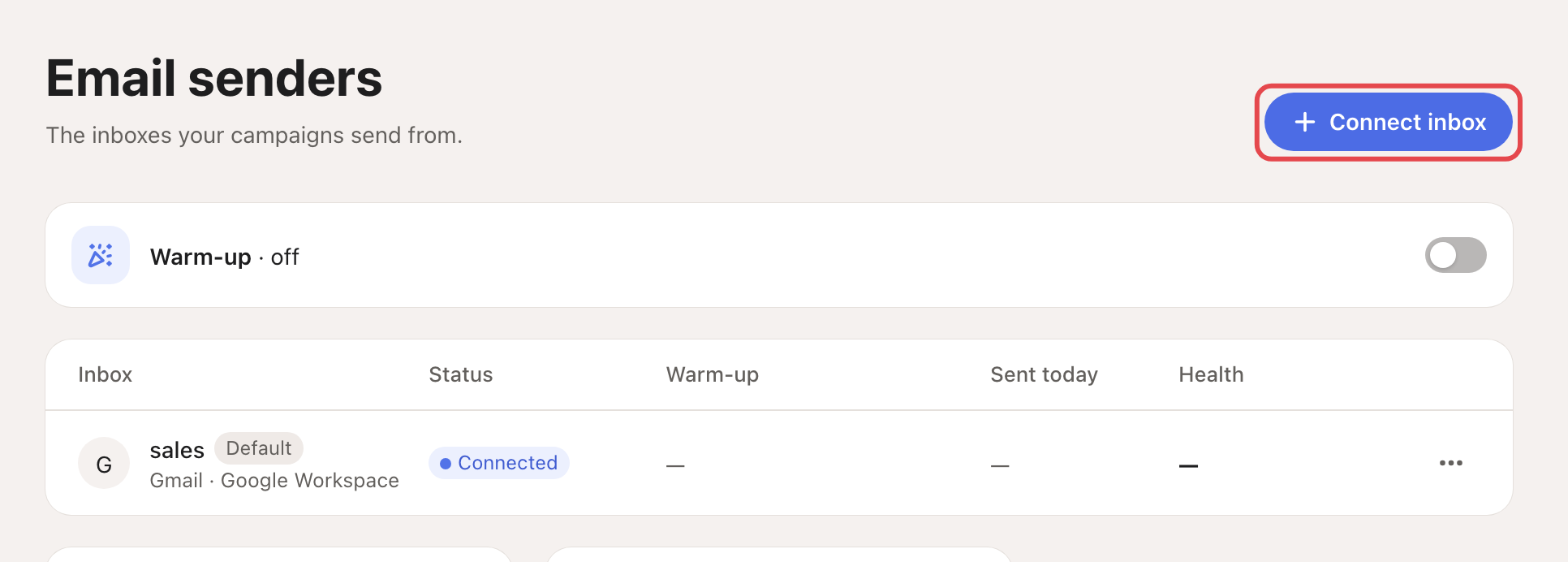
All four start in the same place: Settings → Email senders → Connect inbox.
Google sign-in or app password?
| Google sign-in | Gmail app password | |
|---|---|---|
| Admin needed | Once per Workspace | No |
| Password shared with Looply | None | A 16-letter code, never your real password |
| Warm-up | Not available | Available |
| Campaigns | Only campaigns where you switch on Recipients opted in (people who agreed to get your email) | Any campaign |
Connecting several inboxes
- Inboxes are connected per brand: select the right brand before you connect. With several brands and none selected, Looply asks you to Choose a brand.
- With Google Workspace, the admin approval covers every inbox at once. Each inbox then signs in once.
- Turn on warm-up for new inboxes and set each inbox's daily limit: see Email warm-up and daily limits.
- Growth includes 2 inboxes and Scale 5: see Plans, trial and credits. A disconnected inbox still counts until you delete it.
After you connect
Each inbox appears in Settings → Email senders with its status. If one shows Reconnect or Disconnected, see My campaign isn't sending.
Related articles: Email warm-up and daily limits · Create a campaign