Looply can warm up a new inbox for 21 days, and it keeps every inbox under a daily limit. Both help keep your emails out of spam.
How warm-up works
With warm-up on, your inbox exchanges a few emails a day with other inboxes in warm-up. These belong to other Looply customers. Looply opens the emails, replies to some and moves them out of spam. Email providers learn to trust your address.
- The emails are short, plain messages with no links. You see them in your mailbox, but Looply keeps them out of its Inbox.
- Warm-up works for IMAP / SMTP and Office 365 / Outlook inboxes. It is not available for inboxes connected with Google sign-in. To warm up a Gmail inbox, connect it with a Gmail app password: see Connect Gmail or Google Workspace.
- After 21 days, it keeps running quietly at a low volume.
Turn it on
Go to Settings → Email senders.
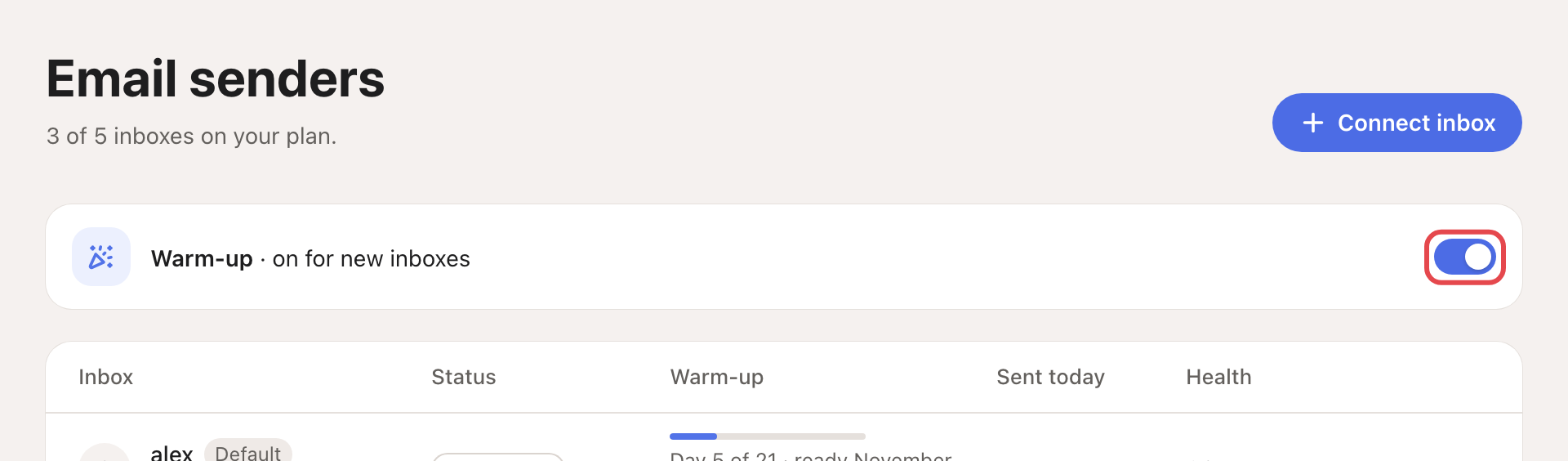
- For every inbox you connect from now on, turn on Warm-up for new inboxes. It is off until you turn it on.
- For an inbox you already have, click ⋯ on its row, then Turn on warm-up. An inbox connected more than 21 days ago skips the ramp.
Follow it
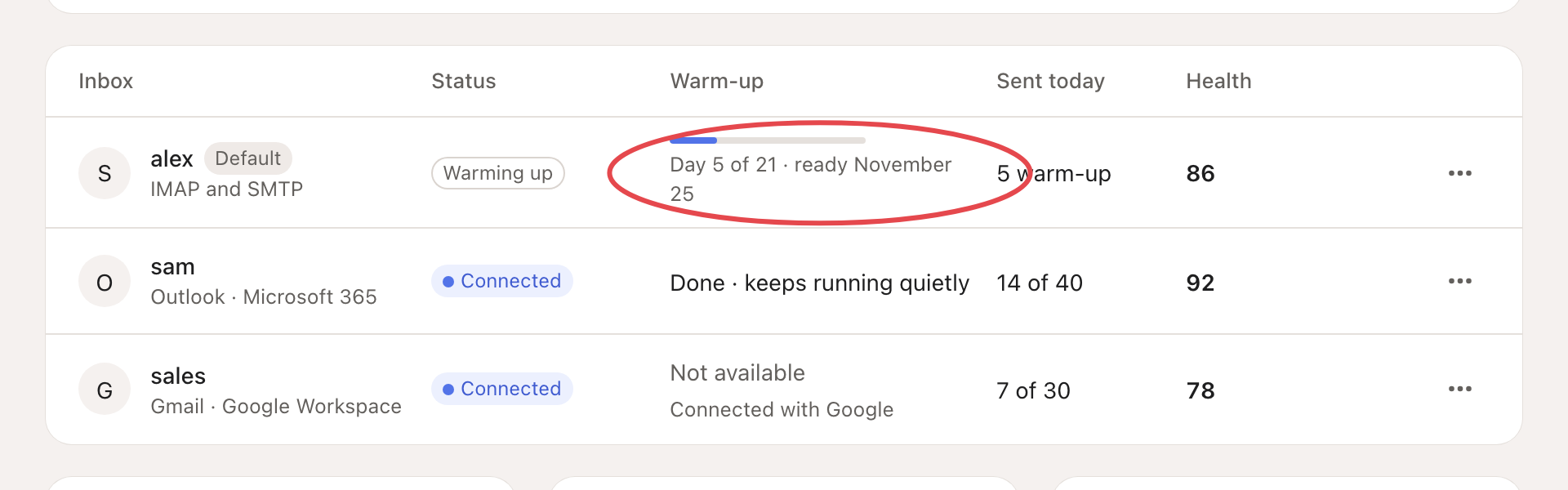
The Warm-up column shows each inbox's state.
| What you see | What it means |
|---|---|
| Day 5 of 21 · ready and a date | Warm-up is running. |
| Waiting for partner inboxes | No partner inbox is free yet. Looply keeps trying. |
| Done · keeps running quietly | Warm-up is finished. |
| Paused until reconnected | The inbox needs reconnecting. |
| Not available | The inbox is connected with Google sign-in. |
Daily limits
Each inbox sends at most 30 emails a day by default. Campaign and warm-up emails both count. The count resets at 00:00 UTC.
During warm-up, the limit starts low (2 a day at the default limit of 30) and rises to the full limit on day 21. Sent today shows today's emails against today's limit.
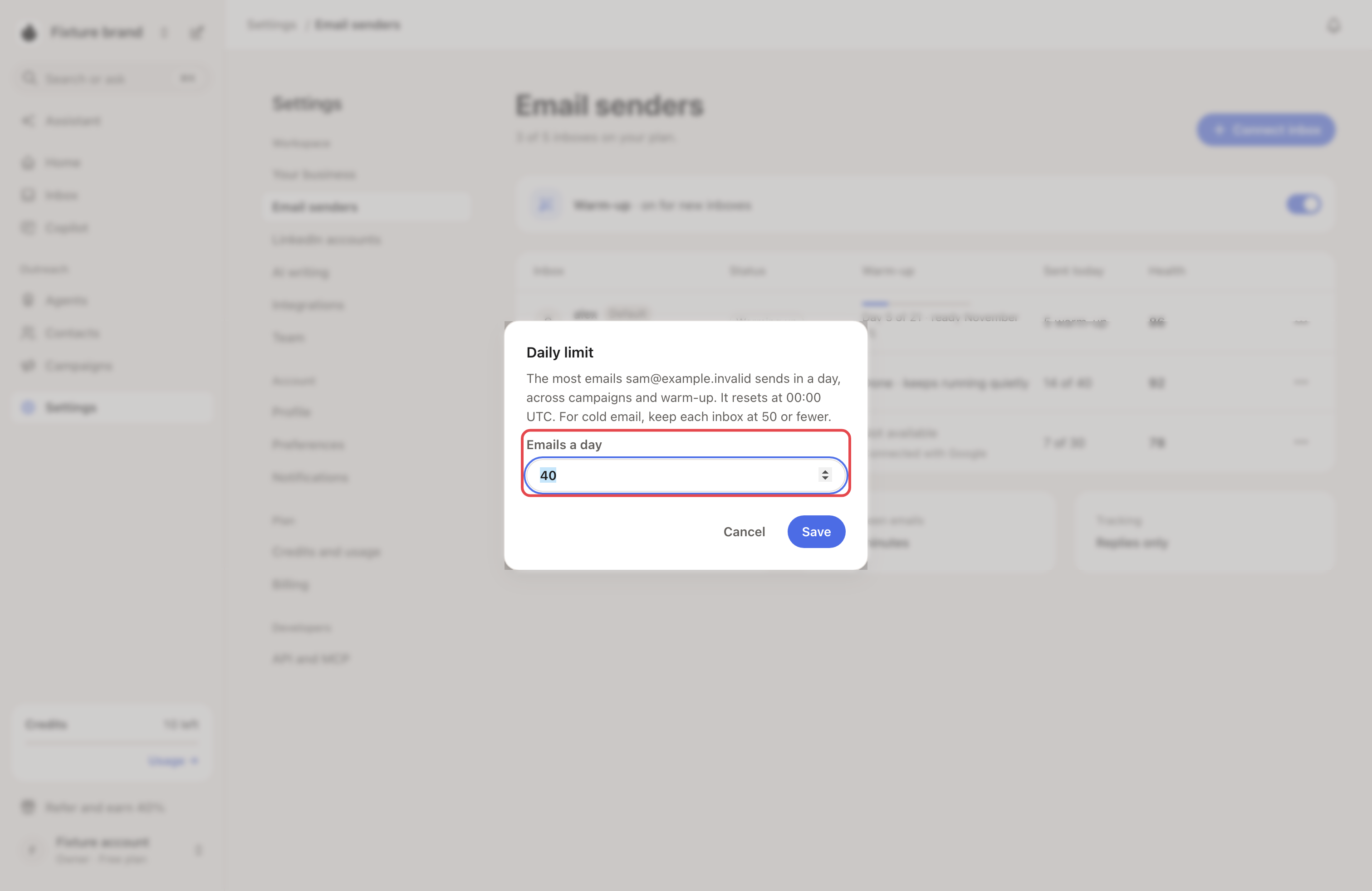
To change it, click ⋯ on the inbox, then Change daily limit. Enter a number from 1 to 500 in Emails a day and click Save. Looply advises 50 or fewer per inbox for cold email.
A campaign can also cap itself, with Daily email sends in its Settings tab. Both limits apply.
Good to know
- In a new campaign, a warming inbox shows Warming up, ready on and a date. It is not ticked, but you can tick it.
- By default, a campaign waits 9 to 14 minutes between two emails from the same inbox. Change it in the campaign's Settings, under Sending pattern.
- Looply tracks replies only. It adds no open-tracking pixel.
- Health scores each inbox out of 100. It looks at bounces, spam complaints, your domain's email set-up and where warm-up emails land.
Campaign not sending? See My campaign isn't sending.