Your Blocklist holds every email address and domain Looply never emails. People who unsubscribe or bounce are added on their own. You can add more, remove someone, or download the list.
Step 1: Open your Blocklist
Go to Settings → Blocklist, under Workspace.
Each row shows the email or domain, why it is there, and when it was added. When someone was added from a campaign, its name follows the reason, for example "Replied asking to stop · Q4 outreach".
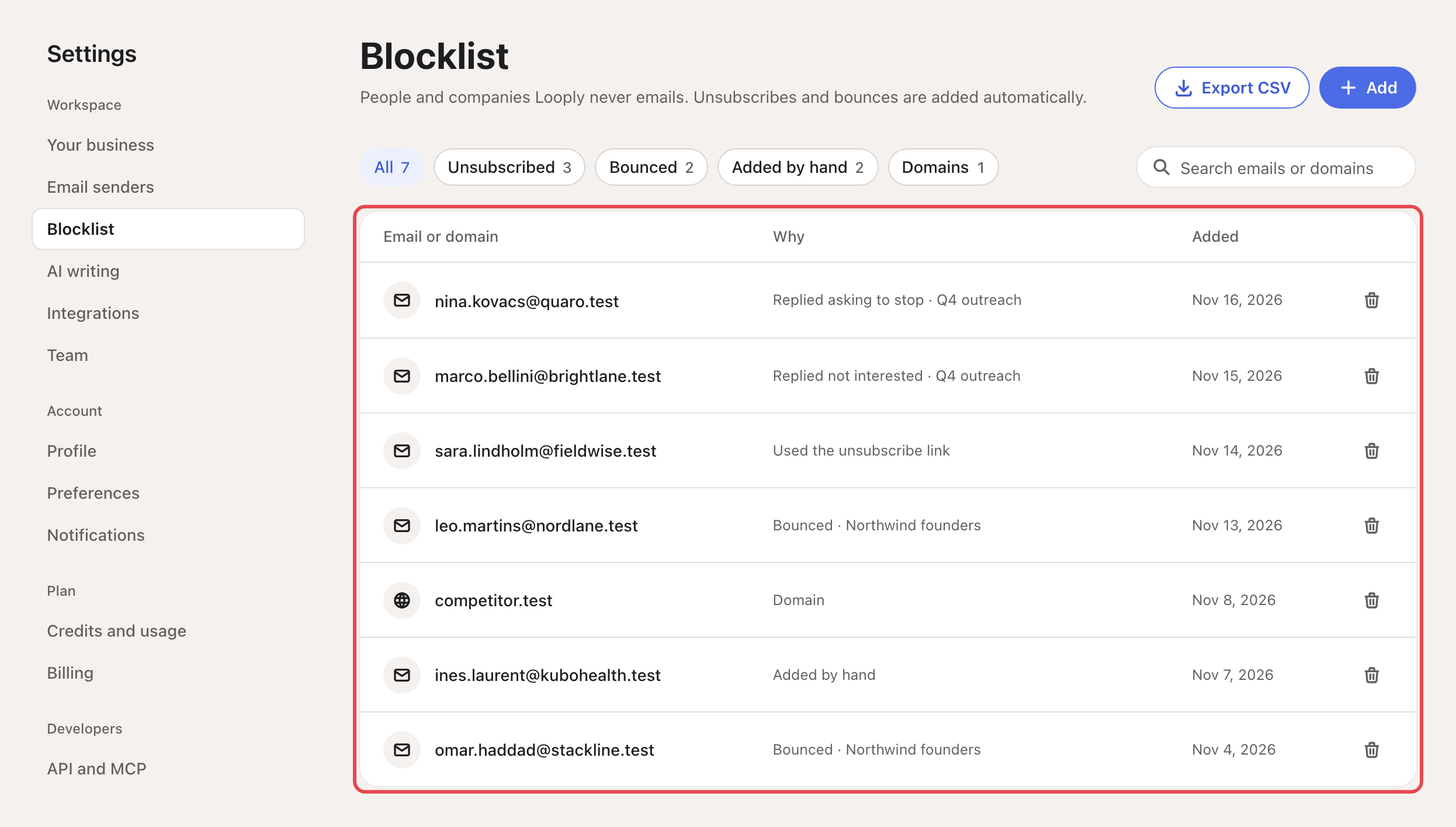
Use the chips to narrow the list: All, Unsubscribed, Bounced, Added by hand and Domains. Each shows how many entries it holds. Search emails or domains finds one entry.
Step 2: Add emails or domains
Click Add. In Emails or domains, one per line or separated by commas, type or paste what you want to block:
- an email address, such as
[email protected]; - a domain, such as
acme.com. A domain blocks every address at it, and at its subdomains (acme.comalso blocks[email protected]).
You can also click Upload CSV or TXT. Looply reads every cell that looks like an email address or a domain.
If the file holds email addresses, its domains stay off. A lead list's website column would otherwise block whole companies. To block them too, switch on Also block the domains in this file.
Click Add to blocklist. A message says how many were added, how many were already blocked, which ones weren't valid, and how many campaign leads stopped.
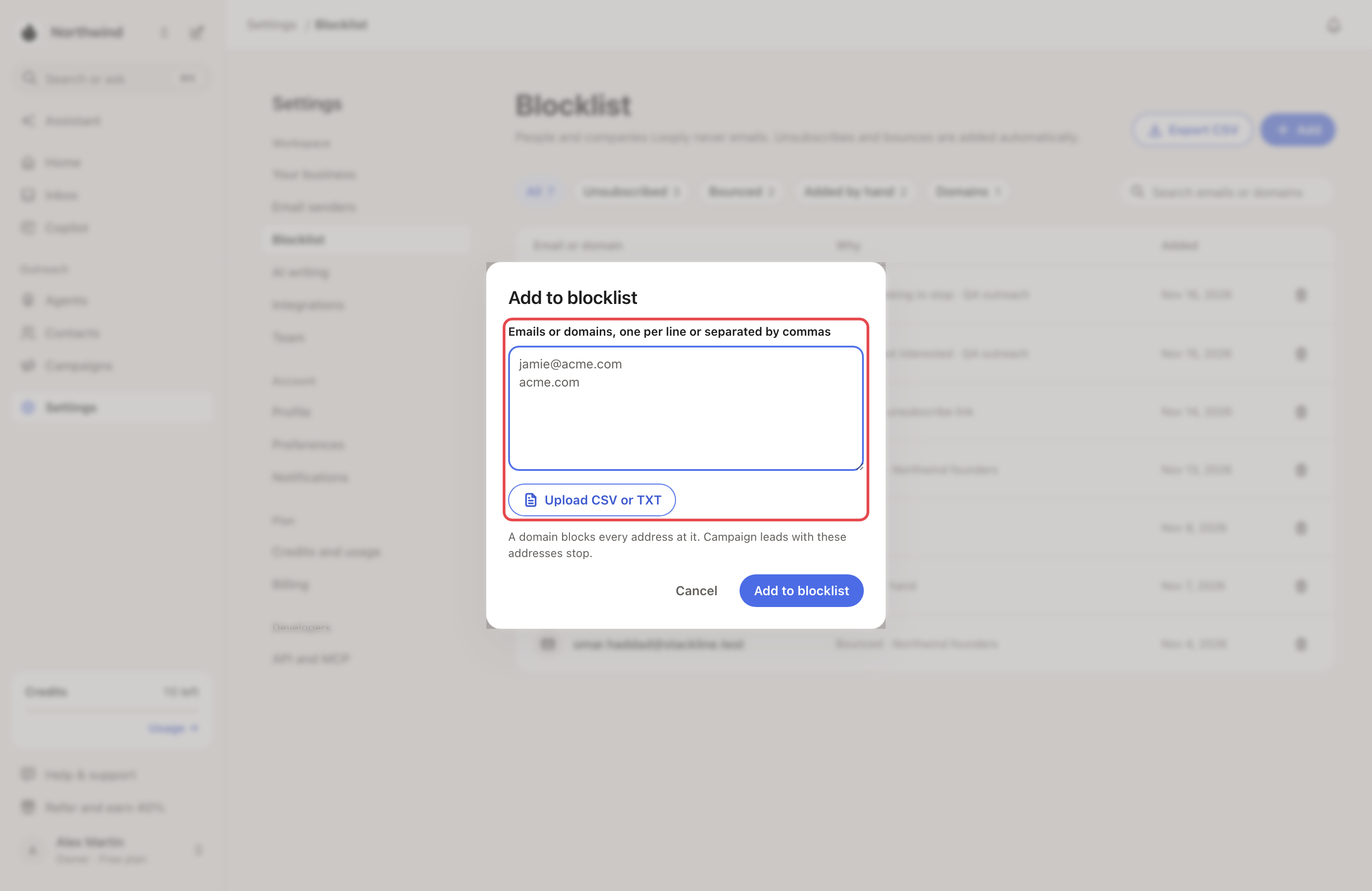
Running leads with these addresses stop at once, in every campaign.
Step 3: Remove an entry
Click the bin at the end of the row, then Remove.
When the person asked not to be emailed, the window says so: "They asked not to be emailed. Remove only if they asked to hear from you again."
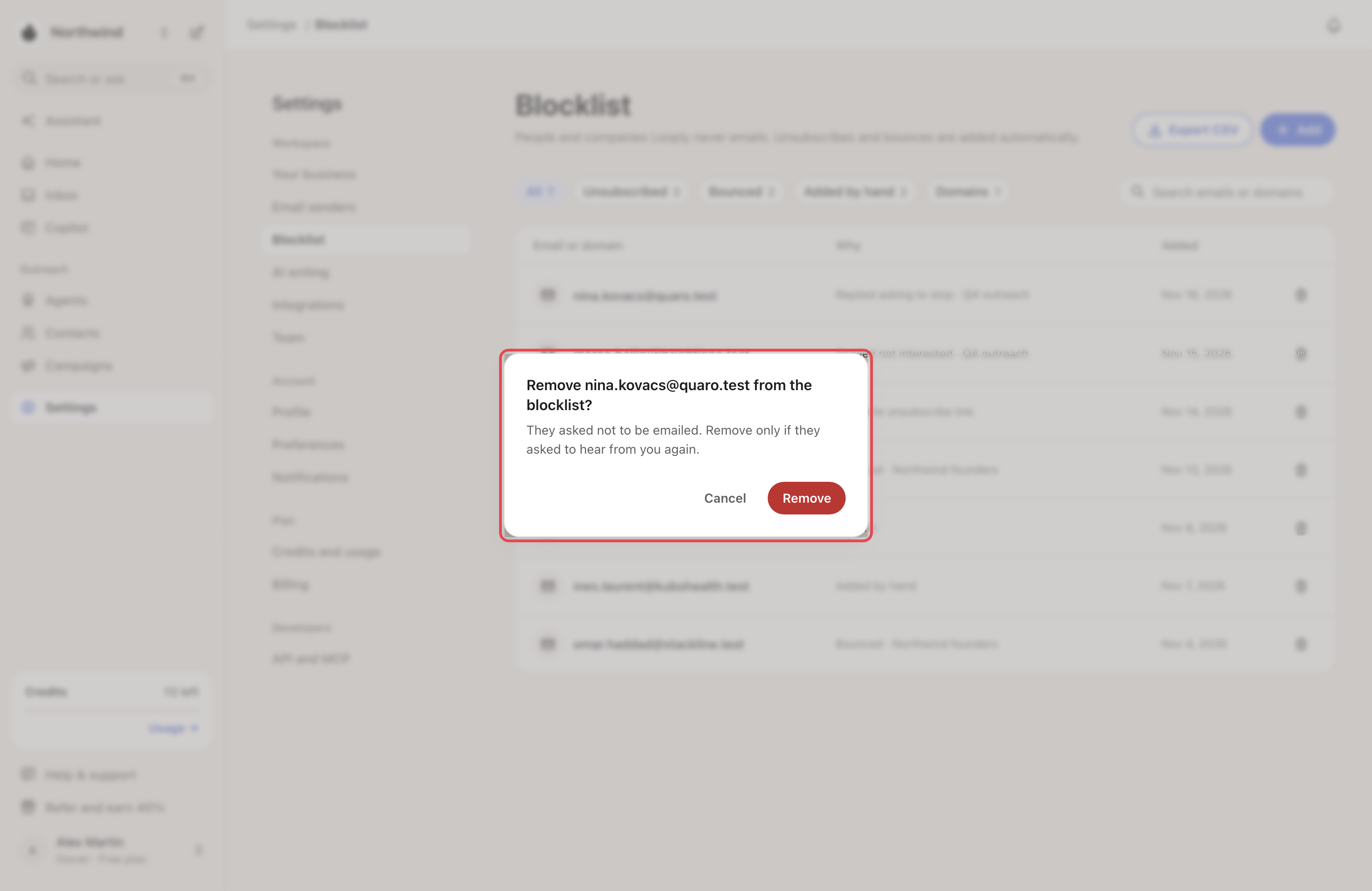
Removing someone doesn't restart the leads the Blocklist stopped: they stay stopped.
Step 4: Export the list
Click Export CSV. The file lists every entry with its kind (email or domain), reason, source, campaign and the date it was added.
FAQ
Who can change the Blocklist? You and your team members.
I can't add an email address. Set up your business first. Until then you can add domains only.
How many can I add at once? As many as you like. Looply sends them 5,000 at a time.
Does the Blocklist cover LinkedIn? It matches people by email address. A blocked person with an email on their contact never starts a campaign, LinkedIn steps included. A contact with no email address can't be matched.
Related articles: Unsubscribes, bounces and who Looply won't email · When someone replies · Contacts, lists and views