Looply writes each AI message from the lead's signals and your business page. You choose, step by step, whether Looply writes it or you do.
Your business page comes first
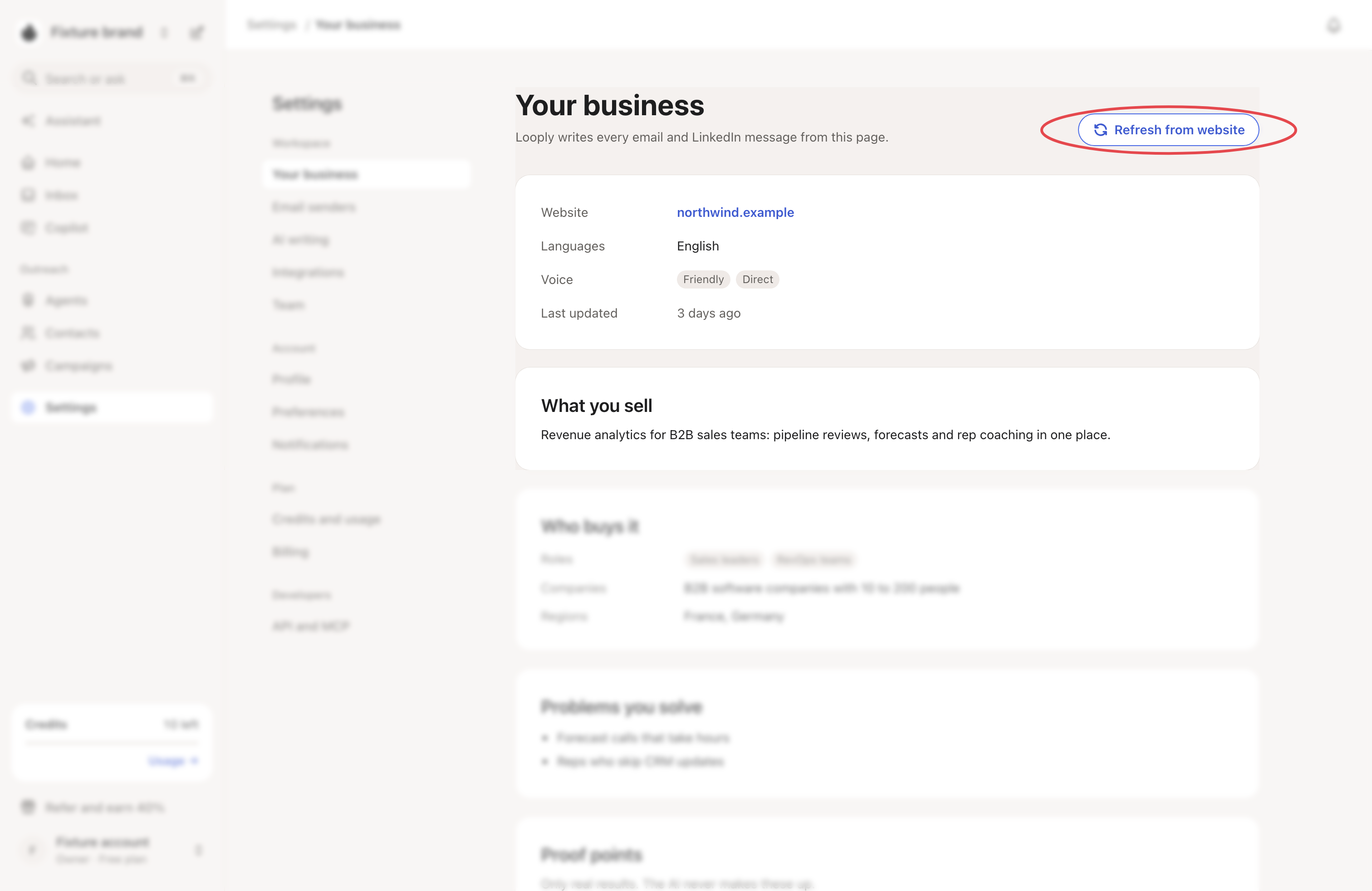
Settings → Your business says: "Looply writes every email and LinkedIn message from this page." It holds What you sell, Who buys it, Problems you solve, What to offer and your Voice.
- Click a block to edit it.
- Add real customer results under Proof points. The AI cites only these and never makes results up.
- Refresh from website reads your site again and rewrites the blocks. Your proof points stay.
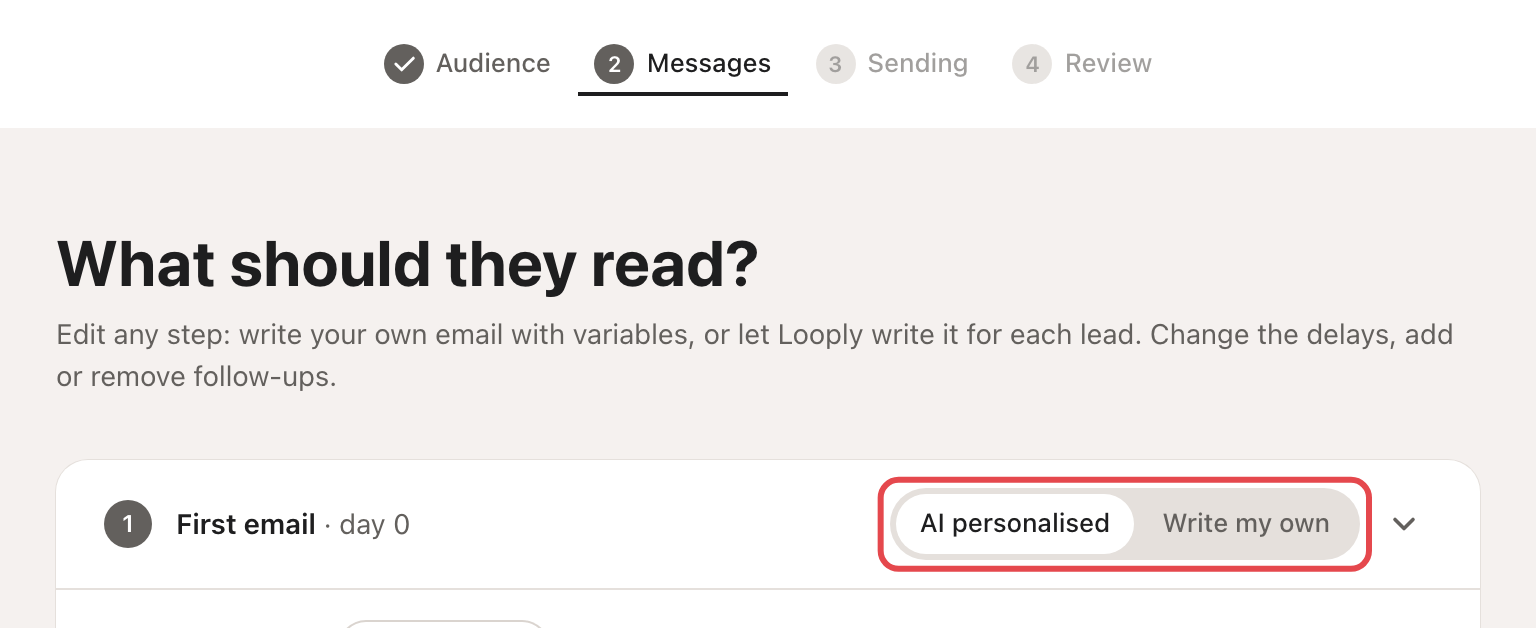
Each step: AI personalised or your own
In a campaign, each email or LinkedIn message is one of two kinds:
| Choice | What goes out |
|---|---|
| AI personalised | Looply writes a different message for each lead, from their signals and your business page. |
| Write my own | Your text, sent as written. Variables (First name, Company, Job title, Why now) fill in from each lead. |
Connection requests are never written by AI. A note is optional and holds up to 200 characters (300 with LinkedIn Premium).
→ Learn more: Create a campaign
What shapes an AI message
| Where | What you set |
|---|---|
| The Messages step | What the AI should stress for this campaign, and a Tone: Friendly, Direct or Formal. |
| Campaign Settings → AI context | Prospecting language, Tone, Offer / resource to send and Additional AI context notes. |
| Settings → AI writing | The templates behind each AI step. |
Prospecting language is the Workspace default unless you pick one of 13 languages for the campaign.
AI writing templates
Settings → AI writing holds "Templates that control how Looply writes for each lead." Each one is for Email or LinkedIn, and for a First touch, a Follow-up or a Last bump.
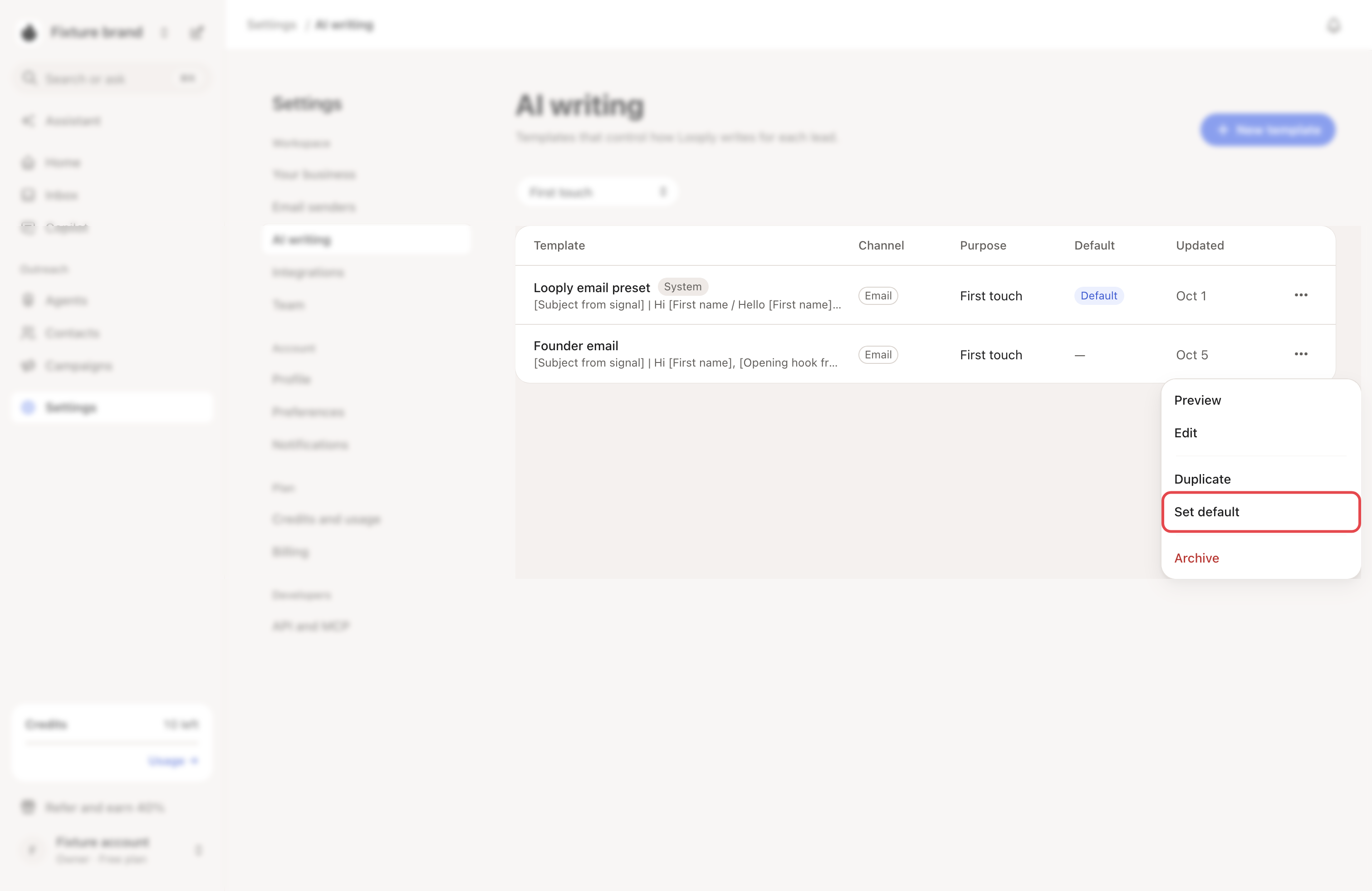
- Looply's own templates are marked System. Click Duplicate to make your own copy.
- Set default makes a template the Default for its channel and purpose.
- In a template, How it writes sets the style, length and writing guidance. More options holds the rest, such as Never say: words and phrases Looply must not use.
- Write a sample writes a sample for one lead of one campaign.
Once you have your own templates, a campaign's AI step offers Template: Looply’s default or one of yours.
Before anything goes out
- In Review mode, you read and approve each message in Copilot. → Learn more: Review mode, Autopilot and Copilot
- Copilot → Upcoming shows the next LinkedIn messages, written ahead of time.
- If an AI LinkedIn message fails Looply's checks, the step's own text goes out instead, marked Step text.