Looply uses your LinkedIn account for three things: your campaigns, your Inbox, and the agents you turn on. It stays inside the limits in How Looply protects your LinkedIn account.
Campaigns and your Inbox
| What Looply does | When |
|---|---|
| Sends connection requests and messages | When a campaign using this account runs, inside its hours and limits. In Review mode, only after you approve each one. |
| Checks for acceptances and replies | While a campaign waits for someone to accept or answer. |
| Keeps a copy of your conversations | So the Inbox opens fast. New messages are saved as they arrive, including those you send on LinkedIn itself. You, and members of your team workspace, can read them. |
| Sends your Inbox replies | When you reply from Looply. They go out from your account. |
| Withdraws old connection requests | Only if you turn on Automatically withdraw pending requests in a campaign's Settings tab. |
Agents
| Agent | What it does with your account |
|---|---|
| Find people showing buying signals | Once a day, it may search the past day's posts on your keywords from your account. It does not use your account to read who engaged with them. |
| Follow profiles and catch everyone who engages | Reads new posts from the profiles you follow, and who engaged with them. |
| Catch commenters on lead-magnet posts | Searches posts and reads their comments without your account. It uses the account only to show a post you add by hand. Its watched posts pause while the account is disconnected. It never posts or comments, but it adds new commenters to its campaign (only those who wrote the word a post asks for). |
| Reply to comments on your post | Reads the comments on your post. Replies under matching comments as you, by itself, up to 50 a day. It also handles comments already on the post. |
| Draft replies to your LinkedIn messages | Reads your conversations and writes drafts for you to send. |
| Turn great posts into your own drafts | Reads new posts from the profiles you pick and writes drafts. It never publishes. |
Run-once jobs don't use your account:
- Get everyone who commented on a post
- Get the people engaging with a profile’s recent posts
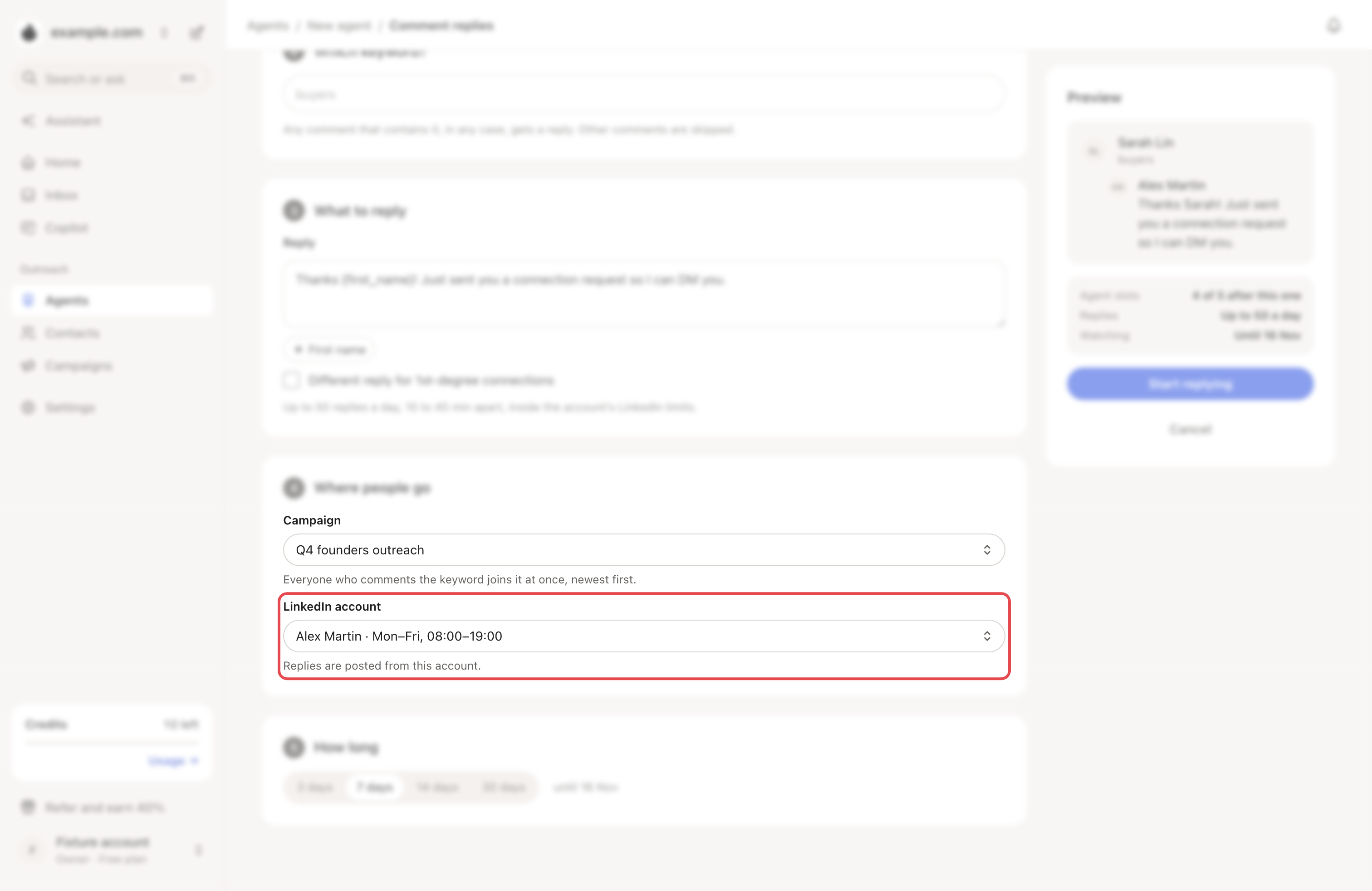
Sends without approval: the comment-reply agent posts its replies by itself. It and the lead-magnet agent also add people to a campaign. If that campaign is on Autopilot, its invites and messages go out without your approval too. The reply agent also has Setter mode, off by default and in a closed rollout. Once you turn it on, it answers people by itself.
→ Learn more: How agents work
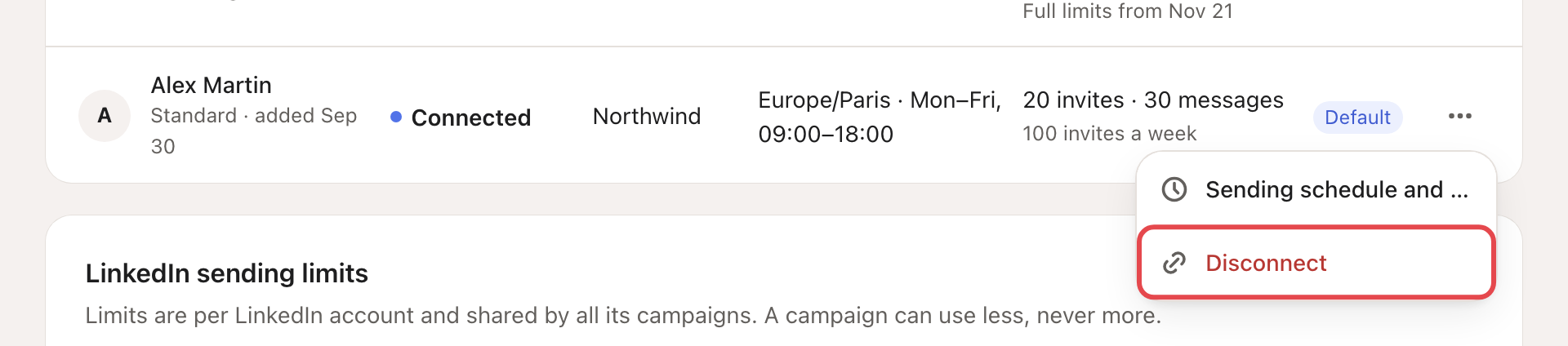
Stop Looply using your account
Pause the campaigns and agents that use it. To stop everything, go to Settings → LinkedIn accounts, click ⋯ on the account, then Disconnect.