Your ideal customer tells an agent who to keep. Looply scores each person against it, out of 10.
Each brand has one ideal customer. Every buying-signals and Follow profiles agent in the brand uses it, so a change applies to all of them. Run-once jobs that keep People who match your ideal customer use it too.
What you need: a buying-signals agent (see Set up your first agent).
Step 1: Open Target audience
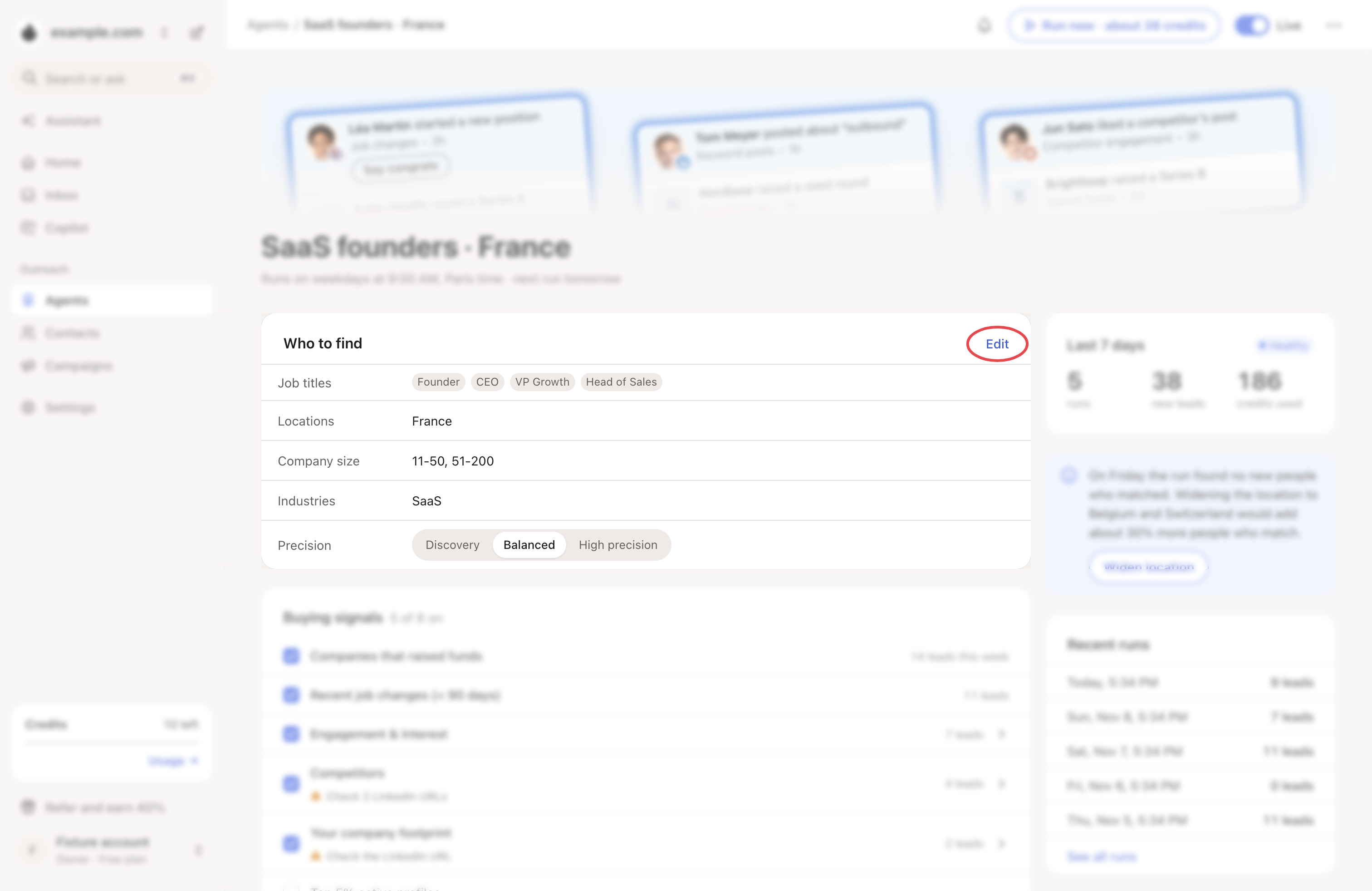
Open the agent. On the Who to find card, click Edit. The agent's settings open on Target audience.
Step 2: Say who you want
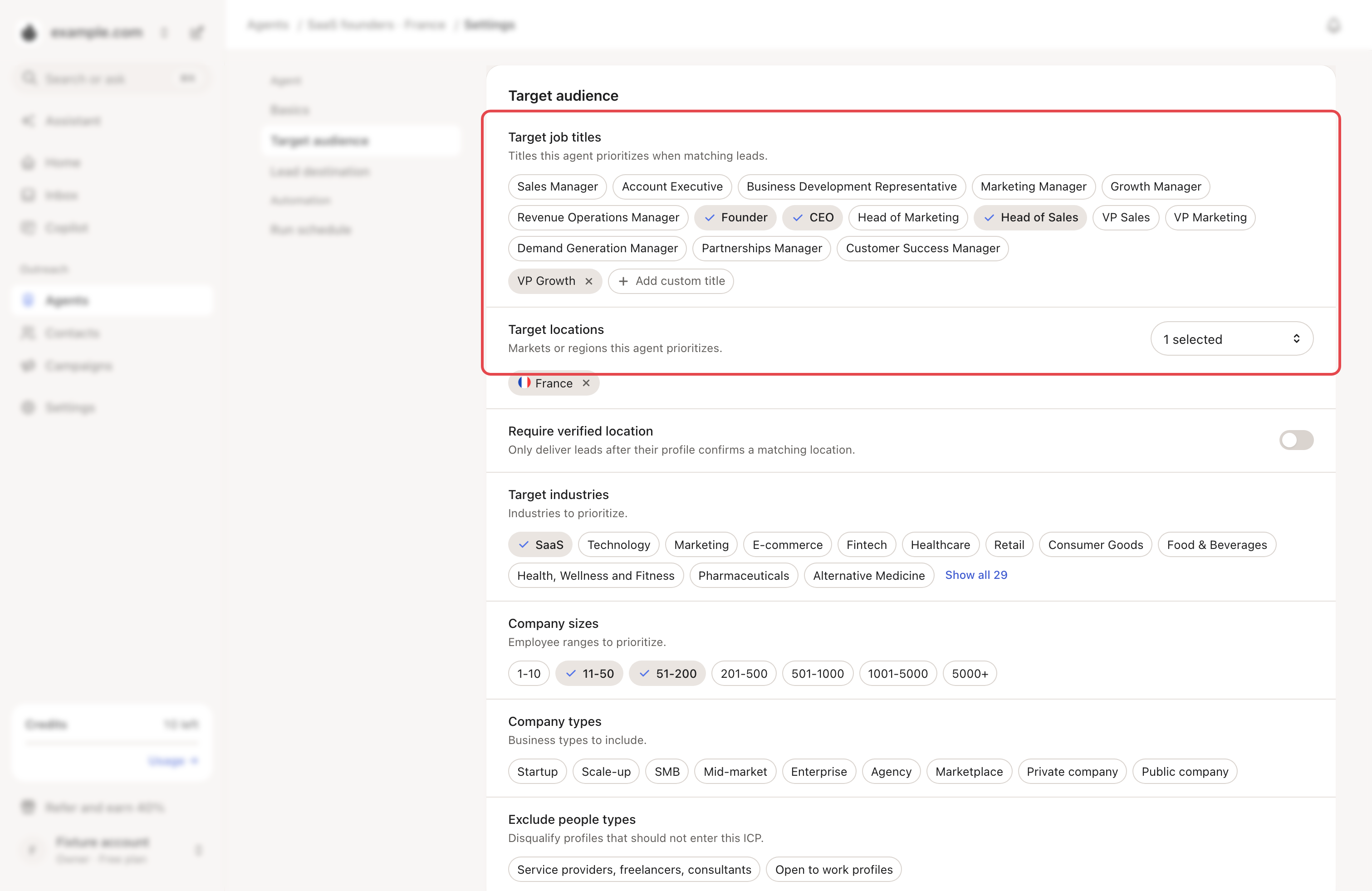
- Target job titles: tick the common titles, or click Add custom title. Use the titles your buyers really write on LinkedIn.
- Target locations: pick the countries.
- Require verified location: keeps only people whose profile confirms a matching location. High precision always does this.
- Target industries, Company sizes and Company types: tick what fits.
Changes save as you go.
Step 3: Say who to leave out
- Exclude people types: Service providers, freelancers, consultants and Open to work profiles.
- Exclude LinkedIn profiles: paste profile links, for example your colleagues.
- Exclude companies: for example your competitors or current customers.
- Exclude keywords: words that disqualify a lead, such as "Student" or "internship".
Step 4: Choose the precision
Under Basics → Precision, or on the Who to find card:
| Precision | What it does |
|---|---|
| Discovery | Broadest lead flow. Title, country and industry count softly. |
| Balanced | Quality and volume. Target countries must match. |
| High precision | Strictest match. Country, title and industry must match. |
Step 5: Set the minimum ICP score
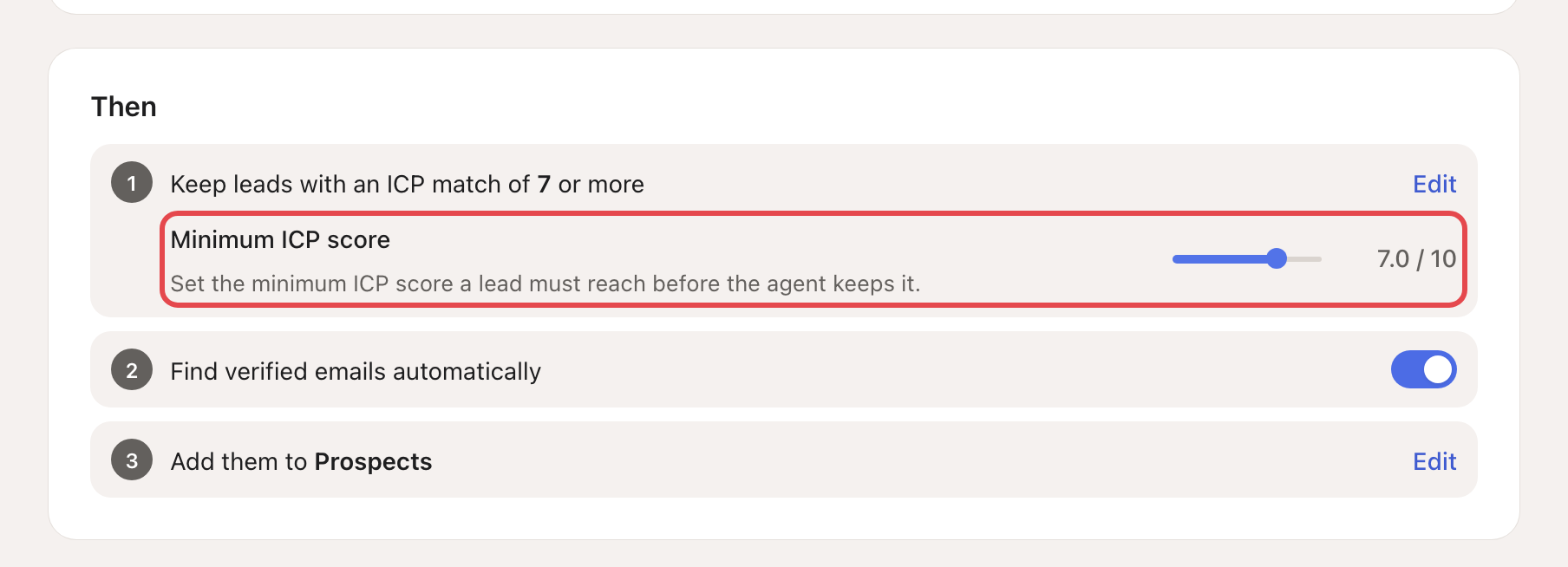
On the agent's page, the Then card says "Keep leads with an ICP match of 6.5 or more". Click Edit and move the Minimum ICP score between 0 and 10. A higher score keeps fewer, closer matches.
What happens next
- The next run uses your changes. Click Run now to try them sooner (it shows the cost first).
- If a run found few people, the agent's page may suggest a change, such as more titles. Click it, then Apply or Dismiss.
- To choose where new people go, use Lead destination in the same settings.
→ Learn more: Find people showing buying signals
If something goes wrong
| What you see | Why | What to do |
|---|---|---|
| Few or no new people | The ideal customer or precision is too narrow. | Add titles or countries, or try Balanced or Discovery. |
| People outside your market | It is too wide. | Add exclusions, or raise the minimum ICP score. |
| "Please enter a valid LinkedIn profile URL." | An excluded link is not a profile. | Paste a link like linkedin.com/in/name. |