Overview
Everything about your plan is in Settings → Billing. The Your current plan card shows your plan, its price, the next date and a tag.
| Tag | What it means |
|---|---|
| Trial | Your free trial is running. Trial ends on shows the date. |
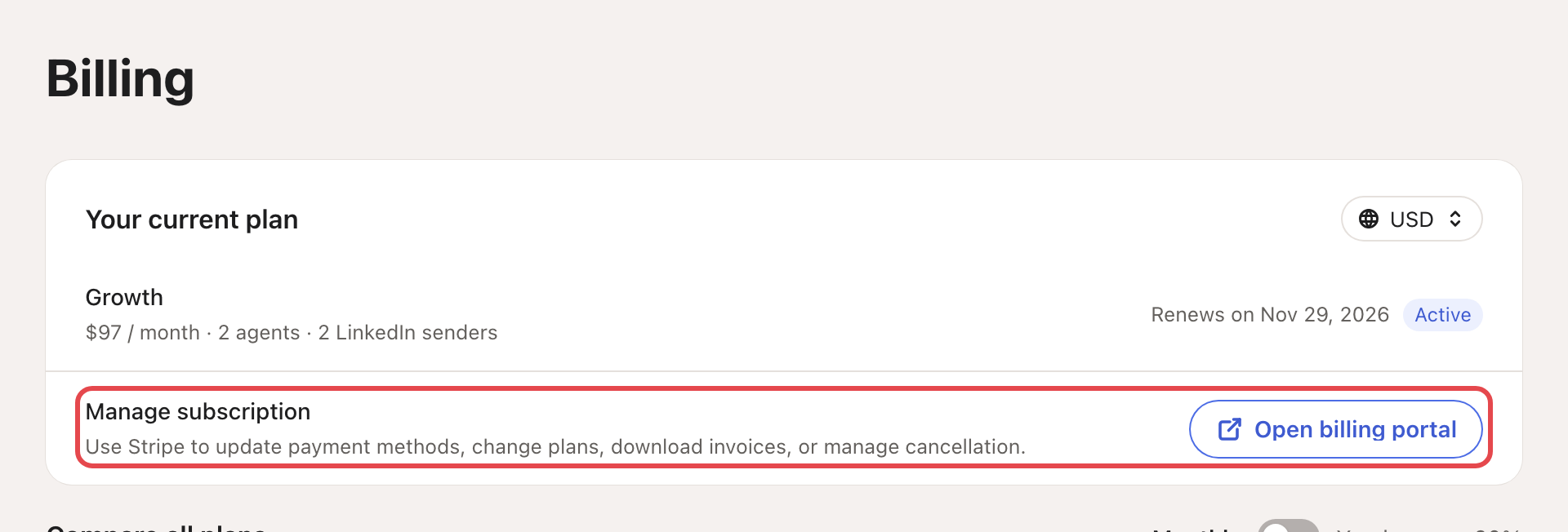
| Active | Your plan renews on the date shown. |
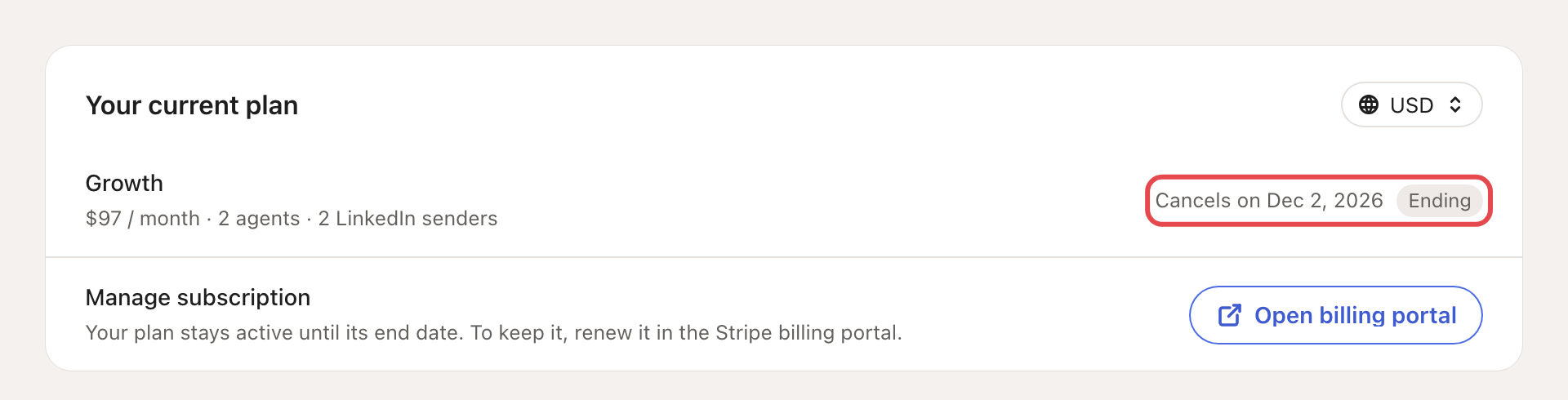
| Ending | You cancelled. The plan stays active until the date shown. |
| Payment failed | Your last payment didn't go through. |
| Managed | The Looply team set up this plan for you. |
What you need: only your Looply sign-in. Plan changes and cancellations happen in the billing portal, which opens from this page.
→ Learn more: Plans, trial and credits
Change your plan
On a paid plan:
- Under Compare all plans, pick Monthly or Yearly (it reads "Yearly · save N%" when yearly costs less).
- On the plan you want, click Manage billing. The billing portal opens.
- Choose the new plan there and confirm.
You can also open the portal from Open billing portal, next to Manage subscription. On a phone, that button is called Manage billing.
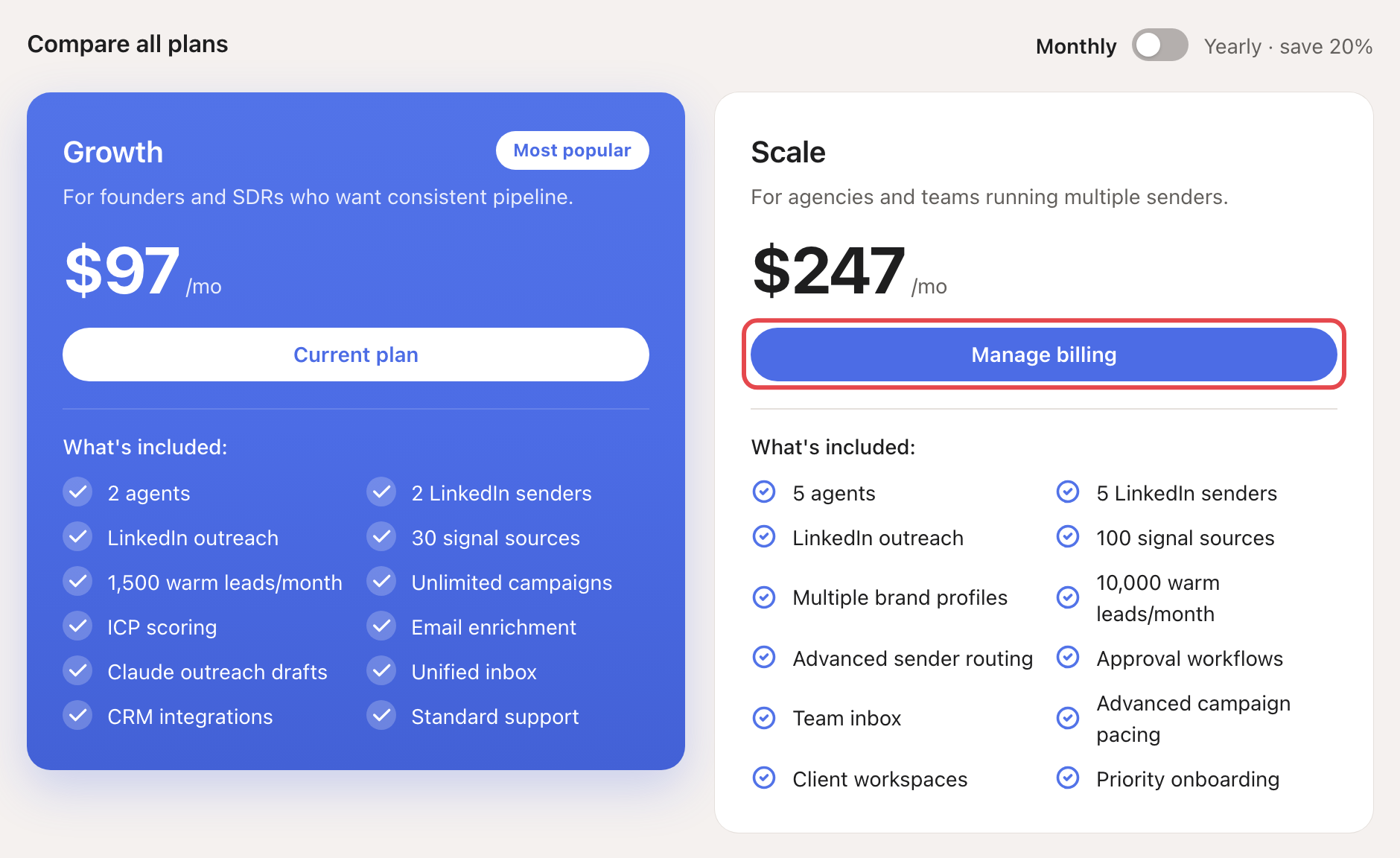
During your free trial, the other plans show Upgrade. It opens a checkout without a trial: you pay now, and the new plan replaces your trial.
On Starter (legacy)? You can also click Upgrade to Growth yearly at the top of the page.
End your free trial early
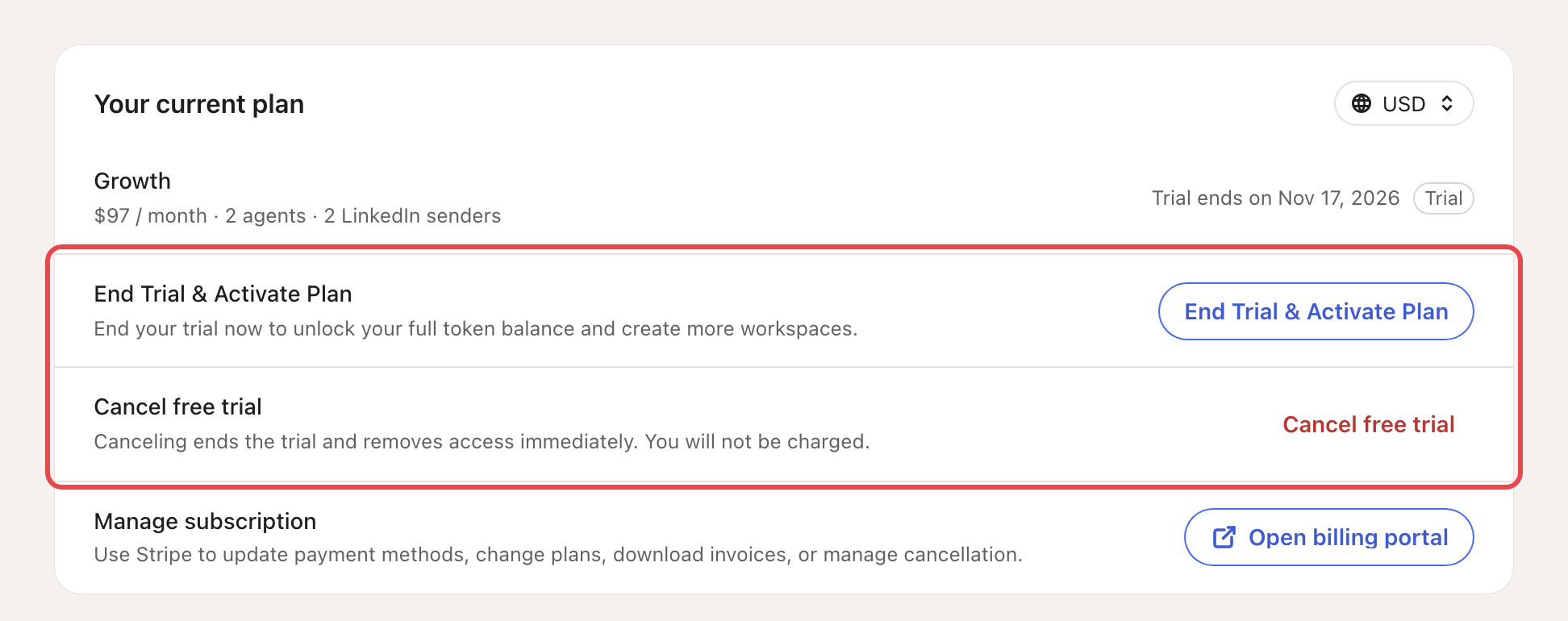
Click End Trial & Activate Plan, then Activate plan. Your paid plan starts now. If your bank asks you to confirm the payment, Looply asks you to finish it on a secure payment page.
Cancel your free trial
Click Cancel free trial, then Cancel trial. This ends the trial and your access right away. You aren't charged.
Cancel a paid plan
- Next to Manage subscription, click Open billing portal.
- Cancel your plan in the portal.
- Back in Billing, the tag says Ending and the date says Cancels on.
Your plan stays active until that date. To keep it, renew it in the billing portal before then.
When your plan ends
Looply shows Choose a plan to keep going over every page except Settings → Profile. Your agents, contacts and campaigns are saved. They pick up where they left off as soon as you subscribe again. From that screen you can also Sign out or Delete my account.
If something goes wrong
| What you see | Why | What to do |
|---|---|---|
| Payment failed | Your bank refused the last payment. | Click Open billing portal and update your card. Without access, click Update payment method on the plans screen. |
| Message support instead of a portal button | The Looply team manages this plan. | Click Message support to email us about changing or cancelling it. |
| "Billing portal unavailable" | The portal didn't open. | Try again in a moment. |
| "Checkout unavailable" with "Live pricing is unavailable for this plan." | That plan has no price in this currency or period right now. | Pick another currency with the code at the top right of Your current plan. Or write to us from the chat. |
Frequently asked questions
Can I get a refund? Refunds are decided case by case (see section 8 of our terms). Write to us from the chat.
What do I pay if I switch plans in the middle of a month? Write to us from the chat before you switch.
Does deleting my account cancel my plan? Yes. Looply asks whether to cancel now and delete at once, or to keep access until the paid period ends. See Your profile, sign-in and security.
Related articles: Plans, trial and credits · Your profile, sign-in and security